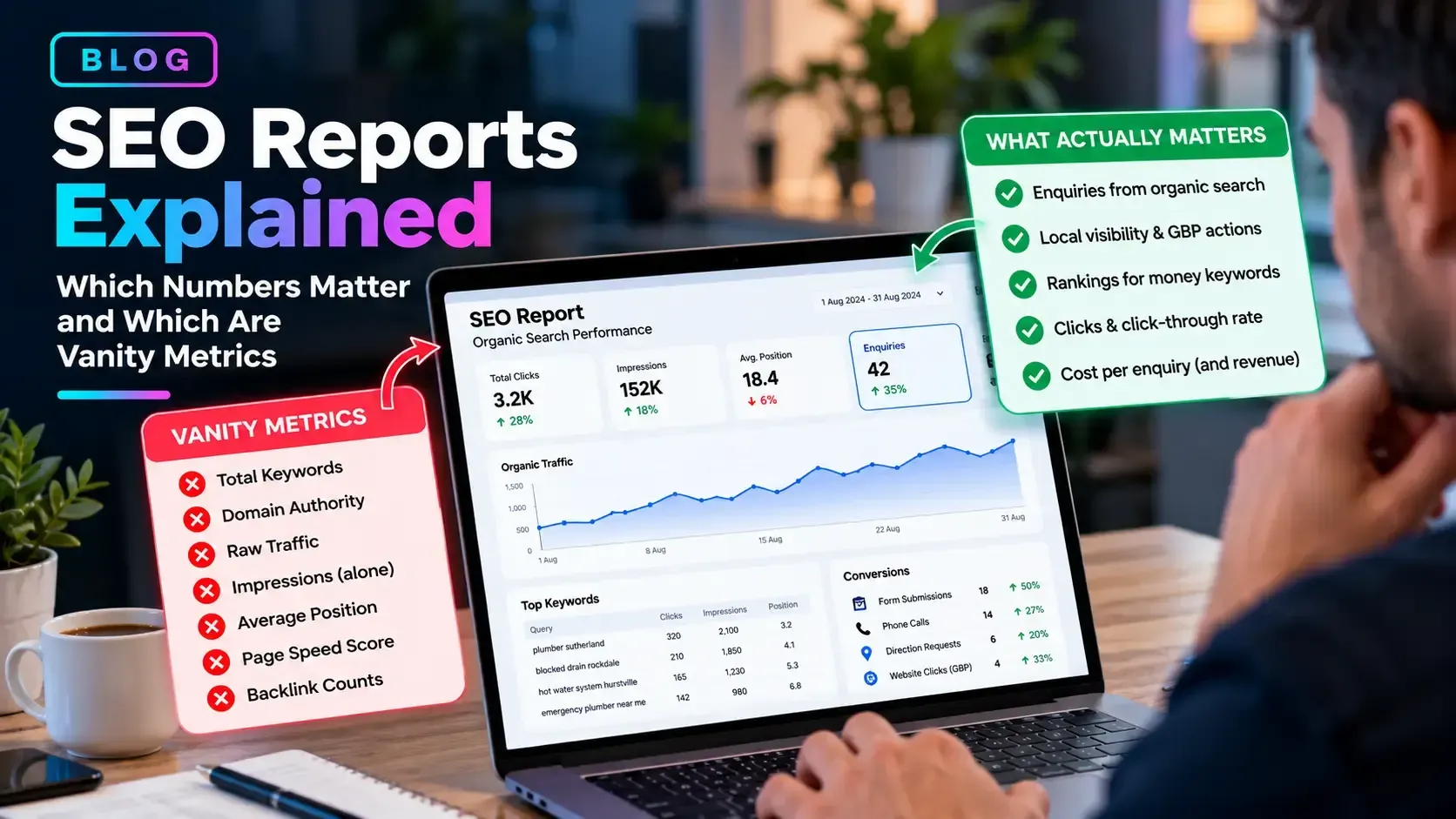

"Your Google Listing Is About to Be Removed": The Scam Calls and Emails Targeting Local Businesses
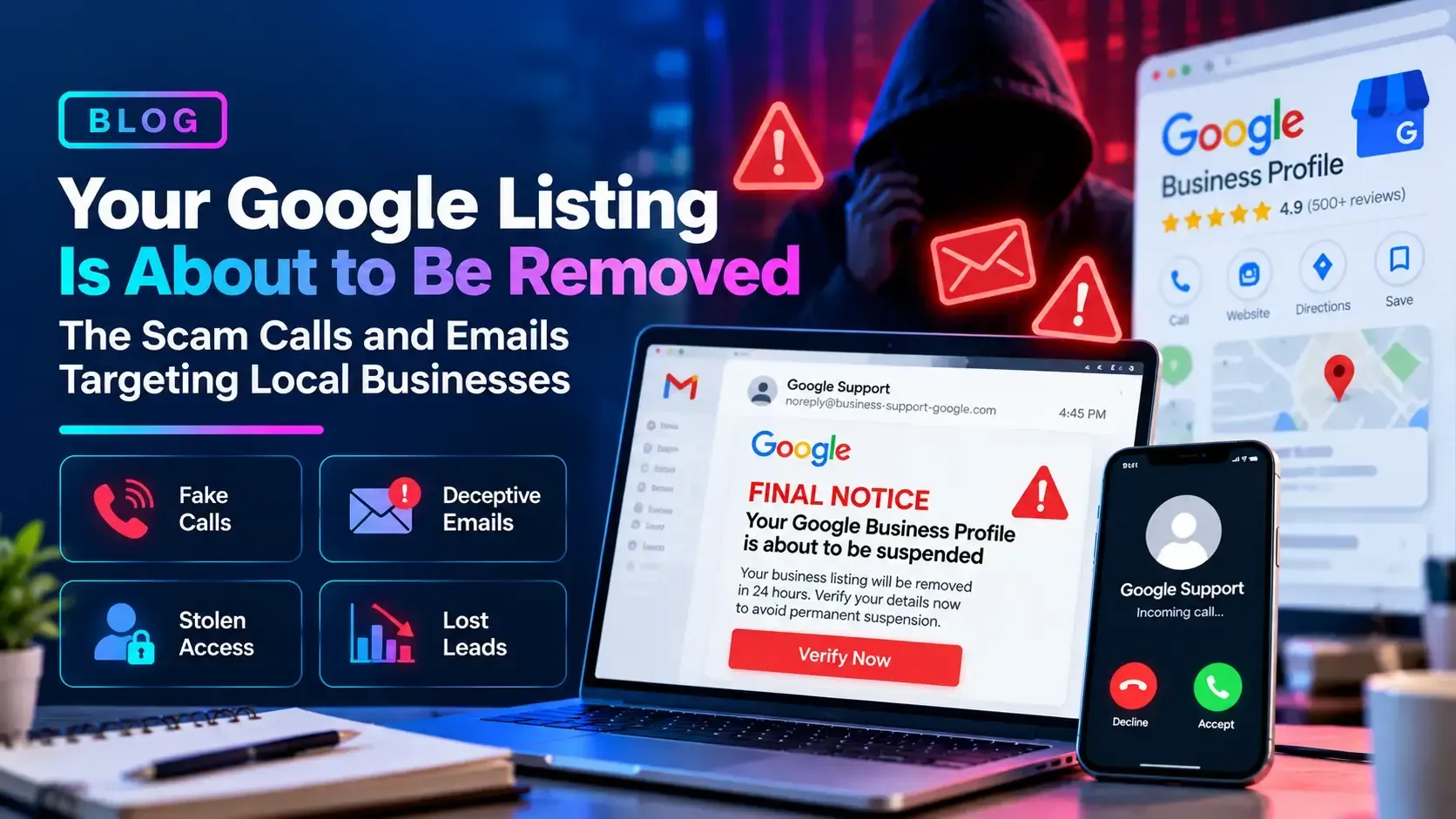
It's 4:45pm on a Friday, and an email lands in your inbox: "FINAL NOTICE: Google Business Profile suspension in 24 hours." There's a countdown, a red button, and a sign-off from "Google Support." Your stomach drops because you know how many of your customers find you through that listing.
That reaction is exactly what the sender is counting on. These messages are a well-worn script, and the businesses that lose the most are the ones who respond before they think.
How a Scam Call Unfolds, Step by Step
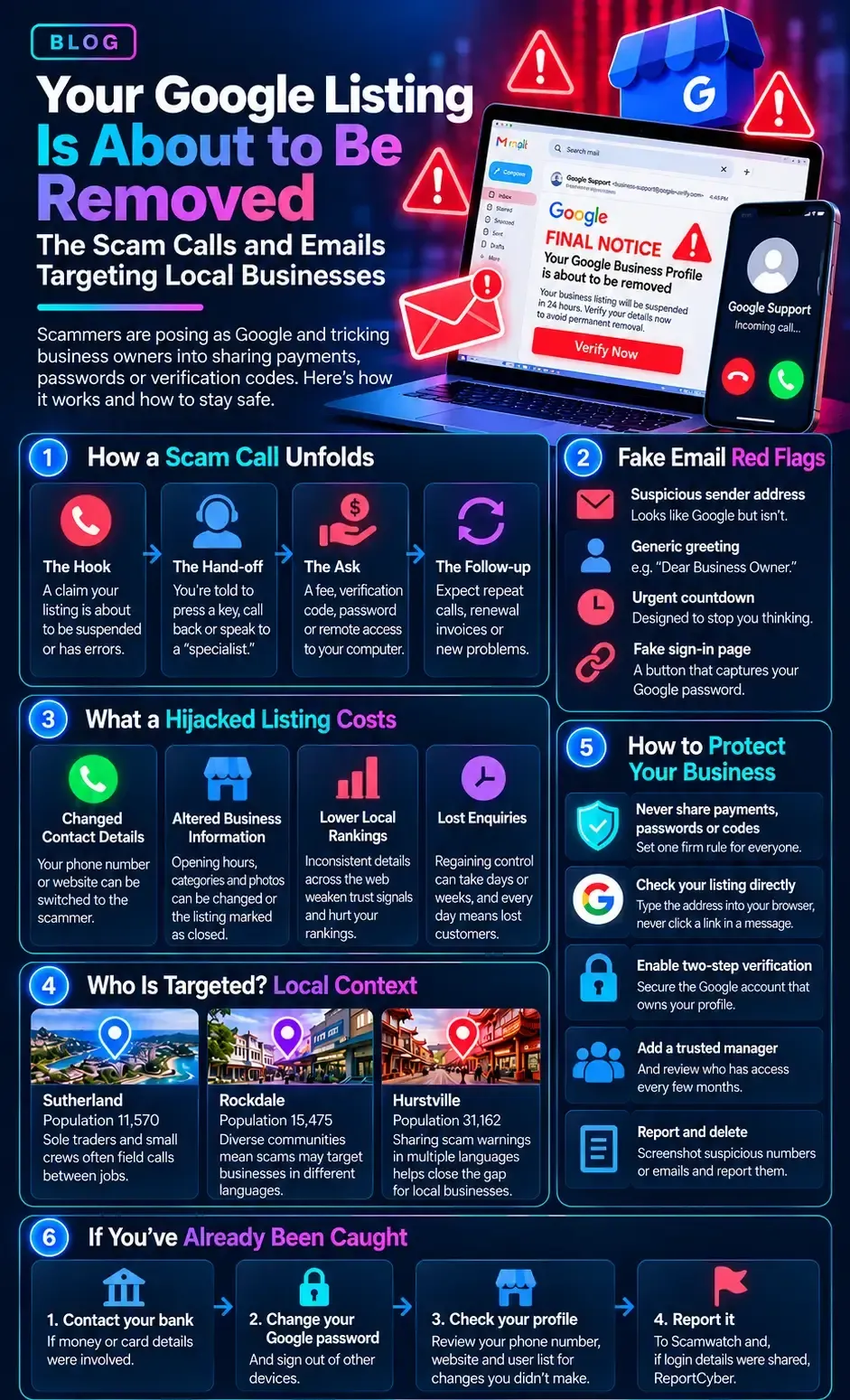
Whether it arrives by phone, voicemail, or email, the sequence is remarkably consistent. Knowing the stages makes it far easier to step out before the damage starts:
The hook. A claim that your listing is about to be suspended, is showing errors, or can't be found by customers. It is vague on purpose and rarely mentions your business by name.
The hand-off. You're told to press a key, call a number back, or click a button to reach a "specialist." A real person now has you on the line, away from any chance to cool off.
The ask. A fee for "protection," a verification code sent to your phone, a password, or remote access to your computer. Any one of these is the goal.
The follow-up. If you pay once, expect repeat calls, a "renewal" invoice, or a new problem to fix. You've now been marked as someone who responds.
The Email Version: Lookalikes and Fake Notices
Emails add a layer of visual polish, which makes them easy to misjudge at a glance. Watch for:
- A sender address that imitates Google but isn't, such as an odd domain with "business-support" or "verify" in the name.
- A generic greeting like "Dear Business Owner" instead of your actual business name.
- A countdown or deadline designed to stop you checking anything first.
- A button that leads to a fake sign-in page built to capture your Google password.
What a Hijacked Listing Really Costs
The fee is rarely the worst part. If a scammer gains access to your profile, the damage runs through the exact things your local rankings depend on:
- Your phone number or website link can be changed, so enquiries ring or click through to someone else.
- Opening hours, categories, and photos can be altered, or the listing marked as closed.
- Inconsistent business details across the web weaken the trust signals behind your rankings.
- Regaining control can take days or weeks, and every day of it is lost enquiries.
Build a Simple Verification Rule
You don't need expensive tools. A few habits make you a hard target:
- Set one firm rule for everyone: no payments, passwords, or codes are ever shared over a call or email.
- Check your business profile by typing the address into your browser, never through a link in a message.
- Switch on two-step verification for the Google account that owns the profile.
- Add a second trusted owner or manager, and review who has access every few months.
- Screenshot or note any suspicious number or email, then report it and delete it.
If You've Already Been Caught
Contact your bank first if money or card details were involved, then change your Google password and sign out of other devices. Check your profile's phone number, website, and user list for changes you didn't make. Finally, report it to Scamwatch and, if login details were shared, ReportCyber. Early reports help others avoid the same call.
The best long-term protection is a profile that's accurate, active, and well looked after, because genuine
local search optimisation leaves scammers with very little to exaggerate. If you'd like us to review your profile security or check a suspicious message, as part of your wider
SEO and
lead generation,
get in touch and we'll take a look.
Frequently Asked Questions
Why do scam callers know my business name and number?
Because your listing is public. Your name, phone number, address, and category are visible to anyone searching, which is what makes the call feel convincing. It doesn't mean your account has been compromised.
Is an unsolicited "free listing audit" ever genuine?
Sometimes it's an honest sales pitch, but often it's a hook for a paid package or a request for access. A genuine provider is transparent about who they are, what they'll do, and what it costs, and never claims to be Google.
How often should I check my business profile?
A quick monthly check is plenty. Confirm your phone number, website, hours, and category are correct, review who has access, and look for edits you didn't make.
Will blocking the number stop the calls?
Only briefly. Scam numbers change often and can be spoofed, so a clear verification rule and prompt reporting work better.
More Digital Marketing Tips, Tricks & Tools