

Service Area Businesses Without a Shopfront: Ranking on Google Maps When You Work From Home
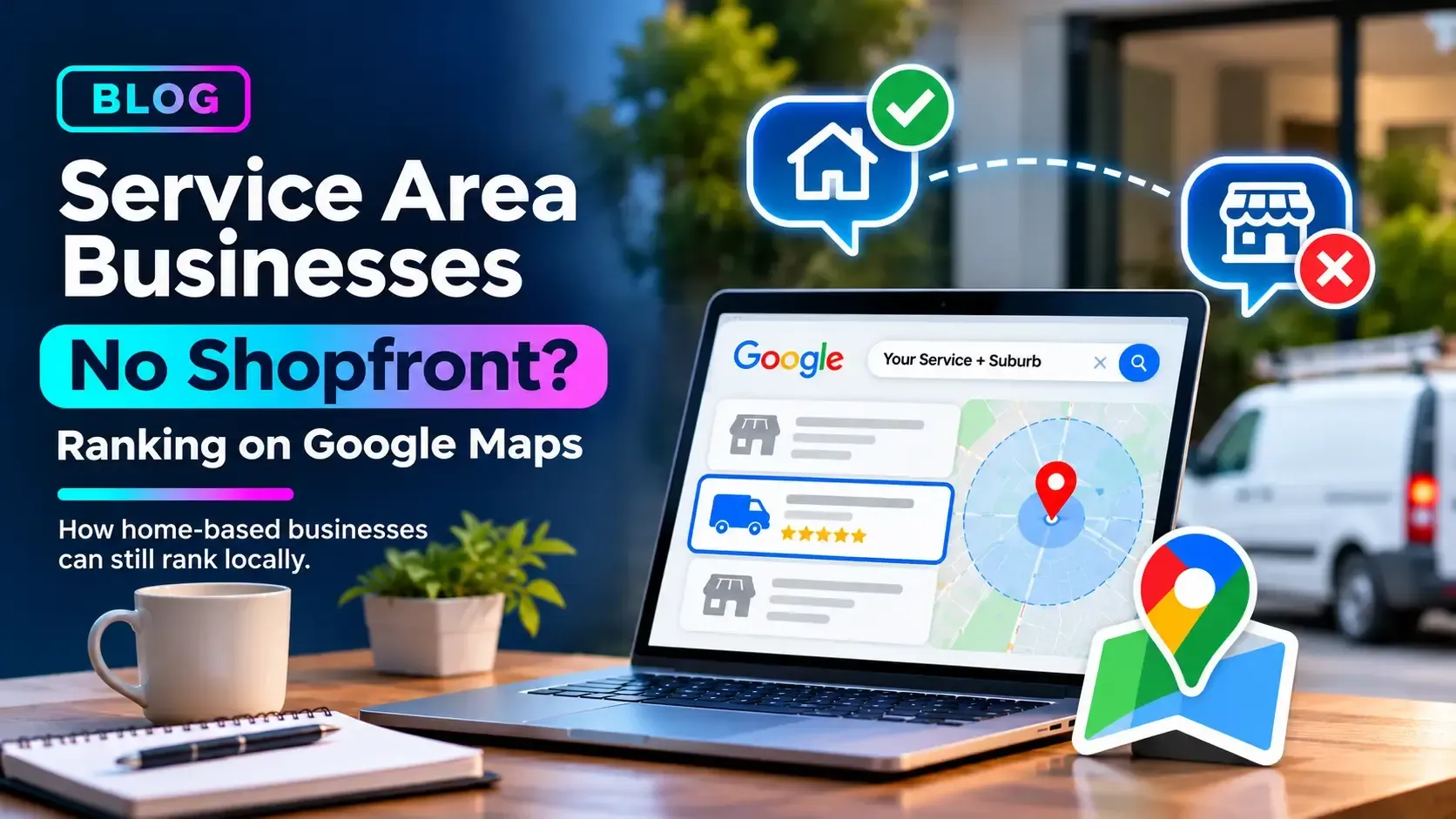
You run a busy business from a spare room and a work van. Customers love you, the diary is full, and yet when you search your own service on Google Maps, a competitor with a shopfront two suburbs away appears everywhere, and you barely show up.
It feels unfair, but it isn't random. Maps rewards businesses differently depending on where they are and how they are set up, and a home-based business that hasn't been configured with that in mind starts at a disadvantage it doesn't have to keep.
Why Home-Based Businesses Struggle on Maps
Google weighs relevance, distance, and prominence when it decides who to show for a local search. Distance is the awkward one for home-based operators. Even when your address is hidden, Google still knows where you're based, so you tend to appear most strongly close to home and fade as the searcher moves further away.
It also helps to know what the service area setting doesn't do. Listing a suburb tells customers you work there. It isn't a switch that makes you rank there. Visibility in those suburbs has to be earned through reviews, content, and a trustworthy profile.
Set Up Your Profile the Right Way
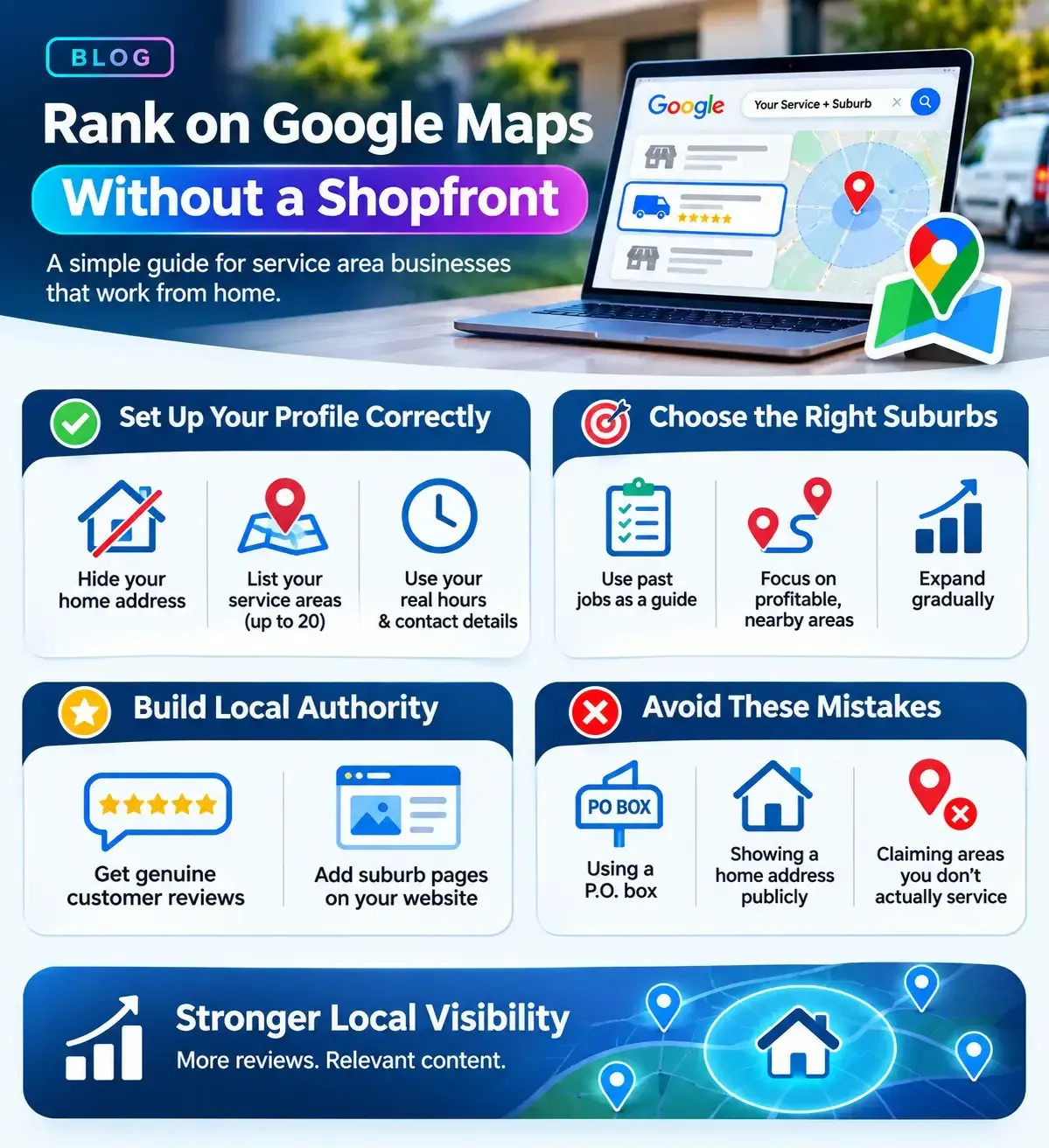
Hide your address if customers don't visit you. Google's guidelines expect a service-area business to hide its address and list the areas it serves instead. You still use your real address for verification.
Choose service areas carefully. You can list up to 20 areas by suburb, city, or postcode, and Google recommends keeping the overall area within about two hours of driving from your base. Twenty is a limit, not a target, so list the places you genuinely work.
Use your real business name. Adding suburbs or keywords to the name is a fast route to a suspension.
Set hours that match reality.
List the times you actually answer calls and take bookings, and keep your phone number consistent with your website.
Deciding Which Suburbs Make the List
Your service area list is a promise to customers, so build it from evidence rather than ambition:
Start with your past jobs. Look at where your last 20 to 30 jobs actually came from. Those suburbs have already proven they'll book you, so they belong on the list first.
Rank them by profit and travel time. A suburb you can reach in fifteen minutes is worth more than one that eats half your day, however large it is.
Check who owns the map. Search your main service plus each suburb on your phone. If the same few businesses dominate the top spots, you'll need more reviews and content there than in suburbs where results are thin.
Expand in stages.
Win the suburbs closest to home first, then widen the list as your reviews and website pages grow. Whether you cover the
Sutherland Shire or
St George, review the list every six months and drop any area you'd rather not travel to.
Closing the Distance Gap
You can't move your address, but you can strengthen the other two things Google weighs: relevance and prominence. For a home-based business, two areas do most of the work.
Reviews That Travel Further Than You Do
Reviews are the closest thing a home-based business has to a physical presence in other suburbs. Each one is evidence that you genuinely work there.
- Ask at the end of the job, while the result is fresh, and send a direct review link by text so it takes one tap.
- Invite customers to describe the work they had done. The suburb often comes up naturally, and you should never script it.
- Reply to every review, positive or negative, in a calm and professional tone.
- Don't offer discounts or gifts in exchange for reviews, and don't pick and choose who you ask. Google's policies prohibit both.
Make Your Website Back Up Your Profile
Your profile and your website should tell the same story, because each reinforces the other.
- Build a page for each priority suburb with real substance: jobs you've completed there, photos, common local issues and a genuine customer comment. A page that only swaps the suburb name is thin content and rarely ranks.
- Link your profile to the most relevant page, whether that's the homepage or a main service page.
- Add LocalBusiness structured data that lists the areas you serve, so search engines can read your coverage clearly.
- Keep your public contact details consistent with what you've chosen to show on your profile. If you've hidden your home address there, don't publish it on your site.
Mistakes That Get Home-Based Profiles Suspended
- Using a virtual office, P.O. box or borrowed address you don't actually work from.
- Showing a home address publicly when customers never visit.
- Claiming service areas you don't really cover.
- Creating several profiles for different suburbs without a real presence in each.
Frequently Asked Questions
Can I use my home address for a Google Business Profile?
Yes, for verification, as long as it's where you genuinely operate. If customers don't visit you there, hide it from public view and list your service areas instead.
Will hiding my address hurt my rankings?
Not by itself. Google still uses your location behind the scenes. What affects rankings is how close you are to the searcher, plus your reviews, relevance, and overall profile quality.
How many service areas should I list?
Only the places you genuinely work, up to Google's limit of 20. Listing more doesn't mean ranking in more places, and an overlong list can look less credible.
Can I create a separate profile for each suburb I serve?
Generally no. A single service-area business should have one profile. Extra profiles for places where you have no real presence risk suspension. Suburb pages on your website are the safer way to target them.
More Digital Marketing Tips, Tricks & Tools